
Desfoque de Fundo
Obtenha o efeito retrato dos telemóveis em qualquer foto — a IA mantém o assunto nítido e desfoca o fundo para um efeito de profundidade limpo. Grátis e 100% privado.
Largue uma fotografia
ou clique para procurar — um assunto nítido (pessoa, animal ou produto) funciona melhor
Prima Ctrl V para colar
As suas imagens nunca saem do seu dispositivo
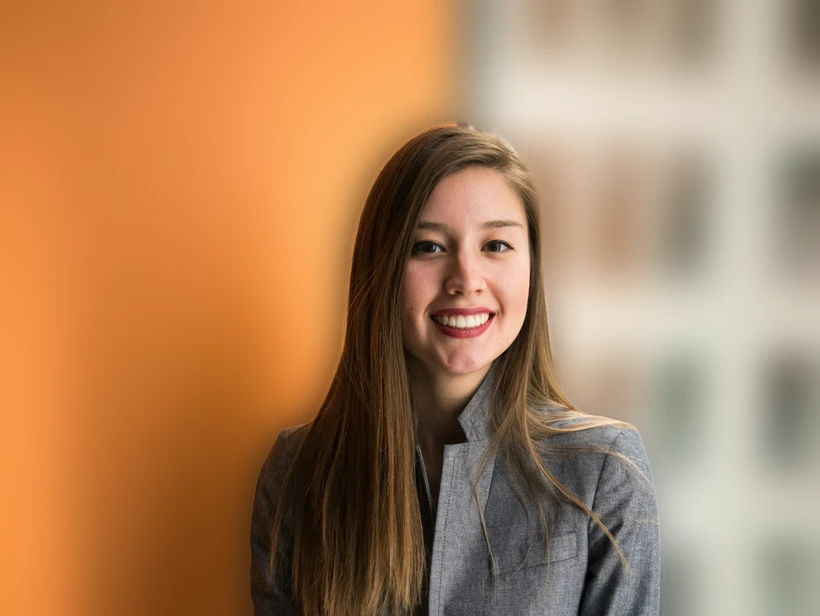

Arraste para controlar o quanto o fundo é desfocado.
Modo retrato para qualquer câmara
A IA encontra o assunto automaticamente — sem máscaras manuais nem fundo verde.
Deslize de um efeito de profundidade subtil até um desfoque forte e suave.
JPG ou PNG em resolução total, com o assunto nítido e o fundo suave.
Corre tudo no seu navegador, por isso a sua foto nunca sai do seu dispositivo — ideal para retratos que telemóveis antigos ou webcams captaram sem profundidade.
How background blur actually works
Depth of field, and why phones fake it
Optical background blur — bokeh — comes from a wide aperture and a large sensor. Only one plane is truly in focus, and everything in front of or behind it falls off progressively. A full-frame camera at f/1.8 produces it naturally.
Phone sensors are tiny and their lenses have deep depth of field, so almost everything is sharp whether you want it or not. Portrait mode fakes the effect: the phone estimates a depth map, then blurs by an amount that varies with estimated distance. This tool does the same thing on any photo, after the fact.
Why the edges are the hard part
Simulated blur lives or dies on the boundary between subject and background. Real optical blur transitions gradually because the falloff follows actual distance; a naive mask blurs everything outside a hard outline by the same amount, which produces the cut-out look that gives portrait mode away.
The specific artefacts to check for: a halo of sharp background hugging the subject's outline, hair that has been blurred away with the background, and a foreground object at the same distance as the subject that got blurred anyway because it was outside the mask.
How much blur to apply
Less than feels right. The instinct is to push the slider until the background is unrecognisable, which reads as artificial immediately — real lenses rarely obliterate a background that completely at portrait distances.
A useful target is enough blur that background detail stops competing for attention but the setting is still legible. Somewhere around the point where you can tell it is a kitchen, but cannot read the labels.
What blur is good for
Beyond aesthetics, it solves practical problems: a cluttered room behind a video-call headshot, a distracting sign behind a portrait, or a busy street behind a product.
It is also a softer alternative to redaction when the background merely needs de-emphasising rather than hiding. If the background contains something that genuinely must not be readable — a screen, a document, a face — blur is the wrong tool, because it is reversible. Cover or crop those instead.
Perguntas frequentes
How does the background blur work?
Is it free and private?
What photos work best?
Can I control how strong the blur is?
Mais ferramentas grátis e privadas
Exporte aqui e continue a editar ali — a sua imagem acompanha-o, sem novo carregamento.