Meme Generator
Drop any image, add the classic top & bottom text, drag it where you want, and download a ready-to-share PNG or JPG. Free, no watermark, 100% private.
Drop an image
or click to browse — a photo, screenshot or template
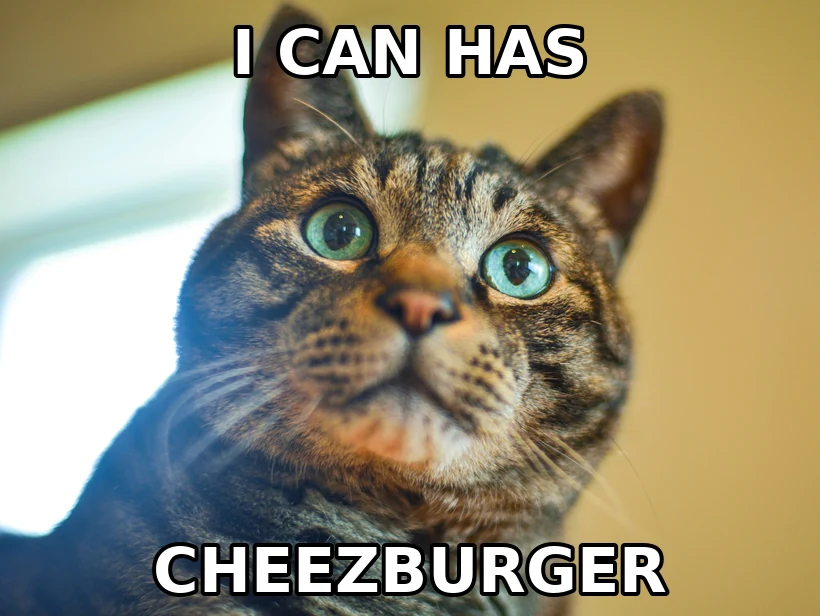
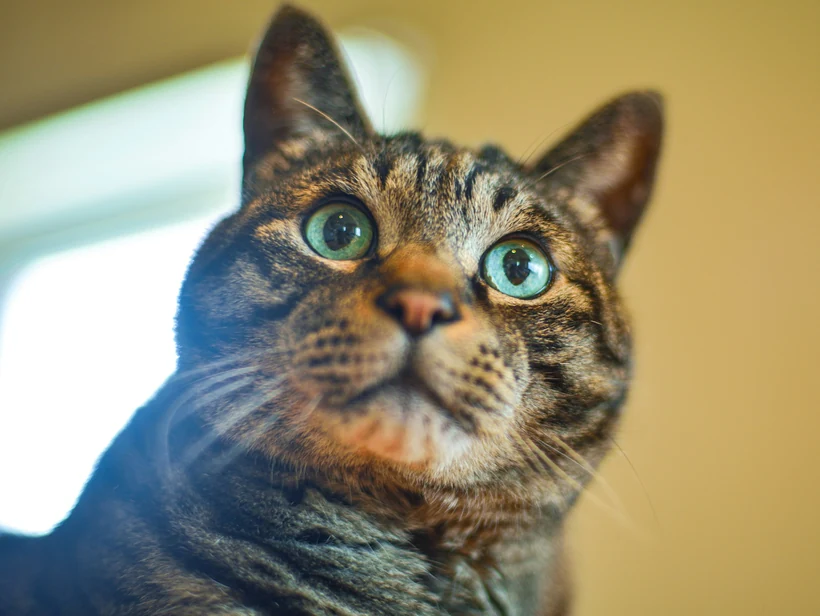
Drag the text on the image to move it.
How to make a meme
Any photo, screenshot or classic template — it never leaves your device.
Type top and bottom captions in the bold outlined meme font, then drag them into place.
Export a PNG or JPG, or copy straight to your clipboard. No watermark.
The meme format, and why it looks like that
Impact, white, black outline
The classic top-and-bottom caption in heavy white Impact with a black stroke is not an aesthetic choice that stuck around by accident. It is the most legible possible combination over an unknown photograph.
A white fill works over dark areas, the black outline works over light areas, and the heavy condensed weight stays readable when the image is screenshotted, recompressed and reshared at half size. Any other combination fails over some part of some image.
Uppercase and line breaks
Captions are set in uppercase for the same reason: consistent letter height means no descenders dropping into the image and a solid, predictable block of text.
Keep lines short. Two lines of five or six words read instantly; four lines of long text is a paragraph sitting on a photo, and people scroll past it. If the joke needs more words than that, the image is doing none of the work.
Surviving the reshare
A meme's real life is being screenshotted, recompressed by three platforms and reshared at reduced size. That is a brutal path for image quality, and it is why the format favours extremes.
Practical consequences: use a large enough source image that a screenshot of it is still sharp, keep text large relative to the frame, and avoid subtle tonal detail that the second and third compression passes will destroy. Export at high quality — every platform downstream will compress it again anyway.
Cut-outs and the modern formats
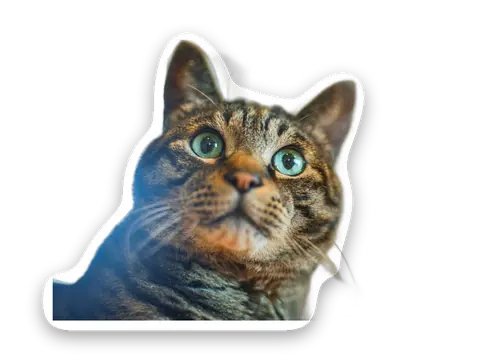
Many current formats are not captioned photos at all but composites — a cut-out subject placed onto a different scene, or a face pasted into a template. That needs a clean transparent cut-out rather than a caption box.
Since the composite lands on a background very different from the original, edge quality shows: check the outline against the destination before exporting, since a pale halo that was invisible on the original background will be obvious on the new one.
Preguntas frecuentes
Is this meme generator free?
Can I add top and bottom text like a classic meme?
Are my images uploaded when I make a meme?
Can I use my own photo as a meme template?
What size does the meme export at?
Más herramientas gratis y privadas
Exporta aquí y sigue editando allí — tu imagen te acompaña, sin volver a subirla.