Sticker Maker
Turn any photo into a WhatsApp & Telegram sticker — we remove the background automatically, add a clean outline and your caption, and export a ready-to-use 512×512 transparent WebP.
Drop a photo
or click to browse — a clear subject (a person, pet or object) works best
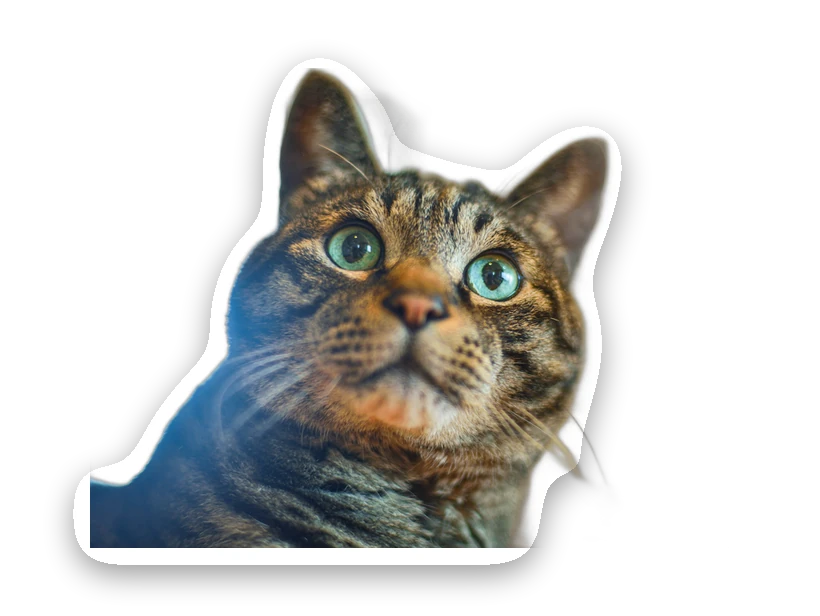
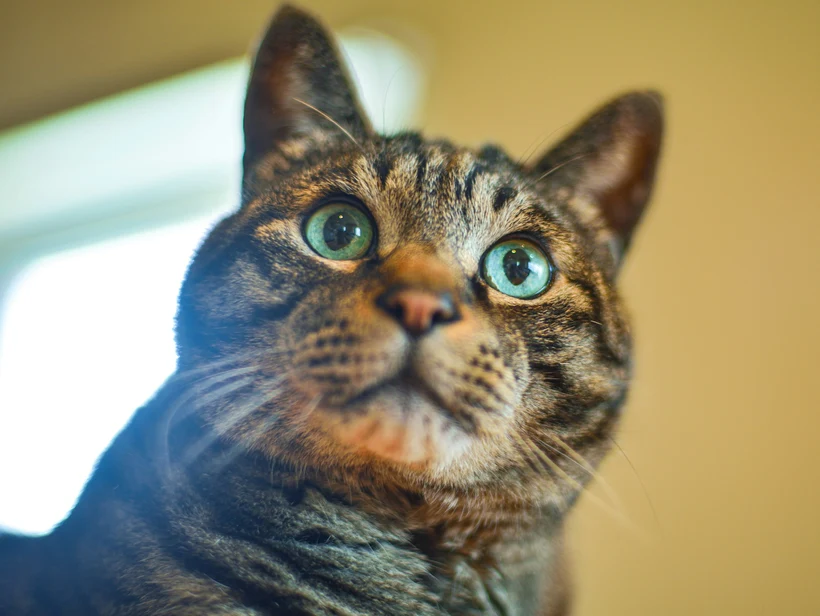
512×512 transparent WebP — WhatsApp ready
Drag your text on the sticker to move it.
How to make a sticker
We cut out the subject automatically — no green screen, no manual masking.
Add the classic white sticker border and drag your own text anywhere.
Download the 512×512 WebP and add it via a sticker app like Sticker.ly or WSTick.
The exported sticker is a transparent 512×512 WebP with a small margin — exactly what WhatsApp and Telegram expect. Everything runs in your browser, so your photo never leaves your device.
Making stickers that read well
The outline is what makes it a sticker
A die-cut white border around the subject is not decoration — it is what separates a sticker from a cut-out photo. Chat apps show stickers over wallpapers, photos and both light and dark themes, and a bare cut-out disappears against a background close to its own colours.
The outline provides contrast against anything. That is why the convention exists across every sticker format from physical vinyl to WhatsApp, and why a sticker without one looks unfinished.
Platform requirements
The main chat platforms differ enough to matter:
- WhatsApp: 512 × 512 PNG with a transparent background, under 100 KB for static stickers, and a small margin of empty space around the subject.
- Telegram: 512 pixels on the longest side, PNG or WebP, with the other dimension free.
- Discord: 320 × 320, and animated stickers are Nitro-only.
- Signal: 512 × 512 WebP, with a strict per-sticker file-size budget.
Choosing a subject
Stickers are viewed small and in a busy chat, so the same rule applies as for emotes and favicons: one clear subject, strong silhouette, high contrast.
Faces and expressive gestures work best because they carry meaning at a glance. Wide shots, scenes and anything with fine detail or small text do not — by the time the sticker is rendered in a conversation, that detail is gone.
Edges matter more here than usual
Because the outline traces the cut-out exactly, any error in the removal becomes a visible feature of the sticker. A missed strand of hair becomes a spike in the border; a chunk of leftover background becomes a lump.
Check the outline at full zoom before adding the border, and use the refine brush to tidy the silhouette. It is worth simplifying deliberately — a slightly smoothed outline usually makes a better sticker than a perfectly faithful one.
Preguntas frecuentes
How do I make a WhatsApp or Telegram sticker?
Do stickers need a transparent background?
Is the sticker maker free and private?
Can I change the outline thickness or colour?
What size are the exported stickers?
Más herramientas gratis y privadas
Exporta aquí y sigue editando allí — tu imagen te acompaña, sin volver a subirla.