Blur & Redact
Hide faces, license plates, addresses or any sensitive info — just drag a box over it. Blur, pixelate or black it out. Free, and 100% private.
Drop a photo
or click to browse — nothing is uploaded, so sensitive photos stay on your device
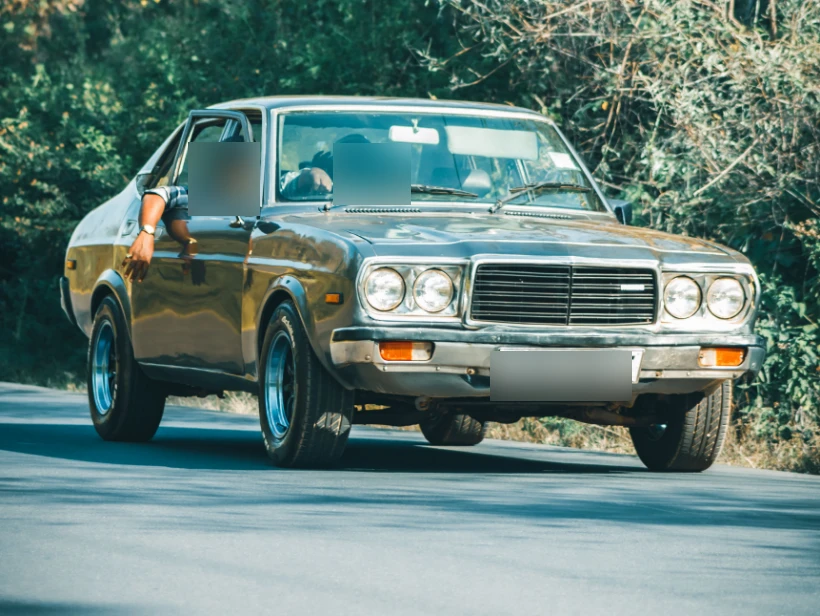
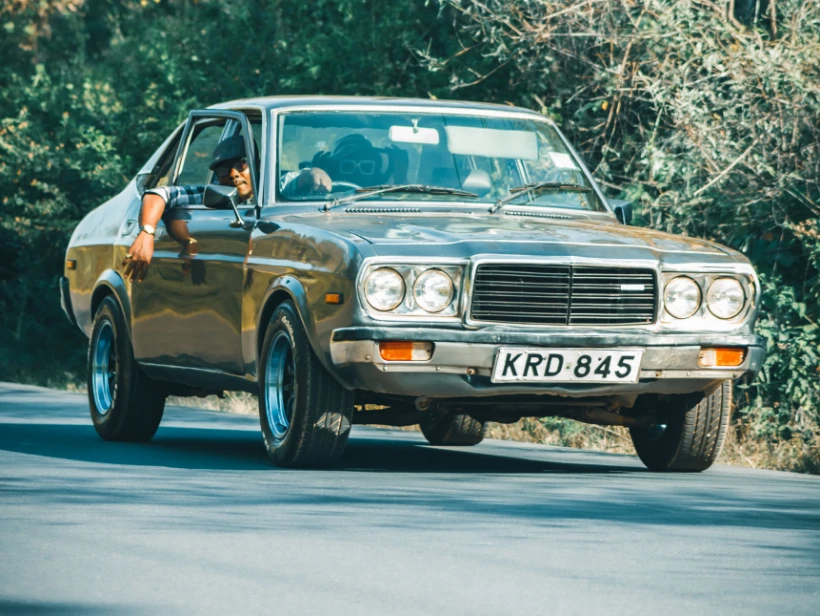
Drag over each area you want to hide
Freehand lets you trace any shape — hold and draw around the area, release to hide it.
For anything that must stay unreadable, use Pixelate or Black bar — a light blur can sometimes be reversed.
Hide anything, without uploading it
It's processed entirely in your browser — ideal for screenshots, IDs and private photos.
Drag over each face, plate, address or piece of text. Add as many boxes as you need.
Blur, pixelate or black-bar it, then export a full-resolution PNG or JPG.
Because nothing is uploaded, this is a safe way to redact IDs, bank statements, medical records or anything you'd never want to send to a server.
Por qué esta herramienta corre en tu dispositivo
The images people redact are the sensitive ones: passports, bank statements, medical letters, screenshots of private chats. Uploading one to a redaction site means the un-redacted original sits on someone else's server — the exact version you were trying to make sure nobody sees.
Every box, blur and pixelation here is drawn on a canvas in your own browser, and the original is never transmitted anywhere.
The export is flattened pixels — there is no layer underneath for anyone to peel back later.
The un-redacted original stays on your device, so there is no copy of it to leak or subpoena.
Toggle back to the original before exporting to confirm every sensitive area is actually covered.
Puedes comprobarlo tú: abre el panel de red del navegador, usa la herramienta y verás que no dice nada. O apaga el Wi-Fi — la herramienta sigue funcionando.
Preguntas frecuentes
Is it safe to blur sensitive photos here?
Does blurring really hide the information?
How do I blur a face or a plate?
Is it free and watermark-free?
Más herramientas gratis y privadas
Exporta aquí y sigue editando allí — tu imagen te acompaña, sin volver a subirla.