
Blur & Redact
Hide faces, license plates, addresses or any sensitive info — just drag a box over it. Blur, pixelate or black it out. Free, and 100% private.
Drop a photo
or click to browse — nothing is uploaded, so sensitive photos stay on your device
Press Ctrl V to paste
Your images never leave your device
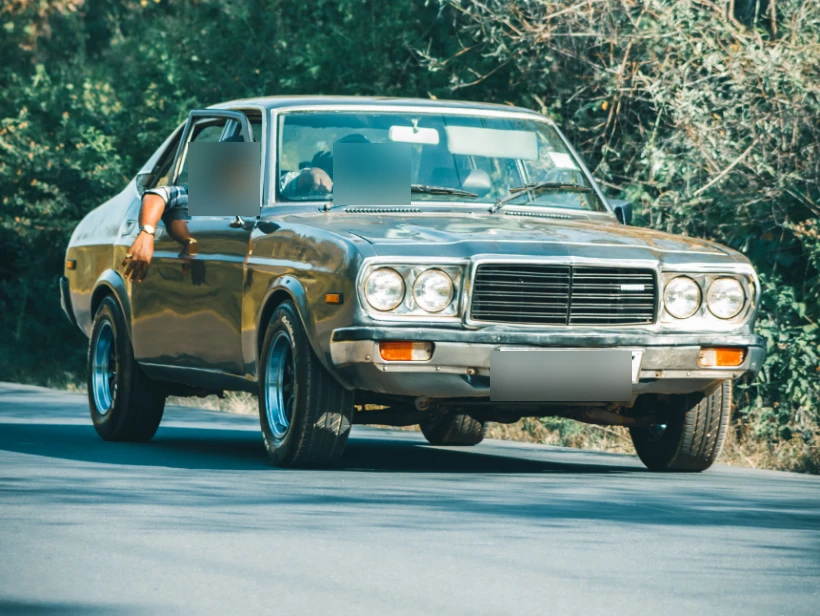
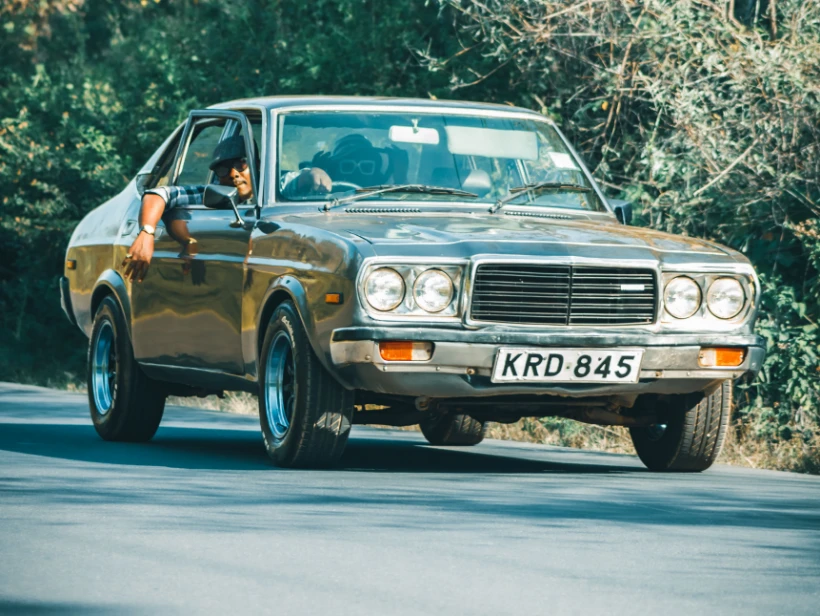
Drag over each area you want to hide
Freehand lets you trace any shape — hold and draw around the area, release to hide it.
For anything that must stay unreadable, use Pixelate or Black bar — a light blur can sometimes be reversed.
Hide anything, without uploading it
It's processed entirely in your browser — ideal for screenshots, IDs and private photos.
Drag over each face, plate, address or piece of text. Add as many boxes as you need.
Blur, pixelate or black-bar it, then export a full-resolution PNG or JPG.
Because nothing is uploaded, this is a safe way to redact IDs, bank statements, medical records or anything you'd never want to send to a server.
Why this one runs on your device
The images people redact are the sensitive ones: passports, bank statements, medical letters, screenshots of private chats. Uploading one to a redaction site means the un-redacted original sits on someone else's server — the exact version you were trying to make sure nobody sees.
Every box, blur and pixelation here is drawn on a canvas in your own browser, and the original is never transmitted anywhere.
The export is flattened pixels — there is no layer underneath for anyone to peel back later.
The un-redacted original stays on your device, so there is no copy of it to leak or subpoena.
Toggle back to the original before exporting to confirm every sensitive area is actually covered.
You can check this yourself: open your browser's network panel, run the tool, and watch it stay silent. Or turn off your Wi-Fi — the tool keeps working.
Hiding information so it stays hidden
Blur and pixelation are reversible in principle
Both are deterministic transforms that discard detail without discarding structure. Given the method and its parameters, an attacker can blur candidate text the same way and compare — which is how pixelated text has been recovered in practice more than once.
The risk is highest for content drawn from a small set: a six-digit number, a card's last four, a name from a short list. Brute-forcing every candidate through the same filter and matching the output is entirely feasible.
A solid bar is the only honest redaction
Drawing an opaque rectangle replaces the pixels with one colour, and no information survives that. It is the boring option and it is the correct one whenever the content genuinely matters.
Blur and pixelation are better thought of as de-emphasis — fine for a bystander's face in a screenshot you are posting for a different reason, wrong for an account number.
Flatten, and check what you exported
The most damaging failures are not weak filters but redactions that were never applied to the pixels: a shape sitting on a layer above the image, or a PDF annotation drawn over text that is still selectable underneath. Copying the text out of such a document returns everything.
Exporting a flattened image is what makes a redaction permanent. Verify by opening the export fresh and attempting to select or zoom into the covered area — check the file you are about to send, not the editor you made it in.
The parts people forget to cover
Sensitive information is rarely only in the obvious place.
- Reflections in glasses, screens and windows.
- The browser tab strip, bookmarks bar and notifications in a screenshot.
- Document headers, footers, reference numbers and barcodes — a barcode encodes the number in plain sight.
- The filename itself, which often contains a name or an account number.
- Metadata: the pixels can be clean while the file still names the device and location.
Frequently asked questions
Is it safe to blur sensitive photos here?
Does blurring really hide the information?
How do I blur a face or a plate?
Is it free and watermark-free?
More free, private tools
Export here and keep editing there — your image carries over, with no re-upload.
Related reading
- What EXIF data reveals about you, and how to remove it Every photo carries hidden metadata: GPS coordinates, serial numbers, timestamps. What is in there, which platforms strip it, and how to remove it. 5 min read
- How to redact a screenshot safely Blur and pixelation have both been reversed in real cases. What actually works, why mosaic filters fail, and the one method that cannot be undone. 5 min read