
Marketplace Product Photos
One click turns any product photo into a listing-ready image — background removed, centred on pure white, at the exact size Amazon, Etsy and Shopify require. Free and 100% private.
Drop your product photos
or click to browse — select several to batch a whole catalogue at once
Press Ctrl V to paste
Your images never leave your device
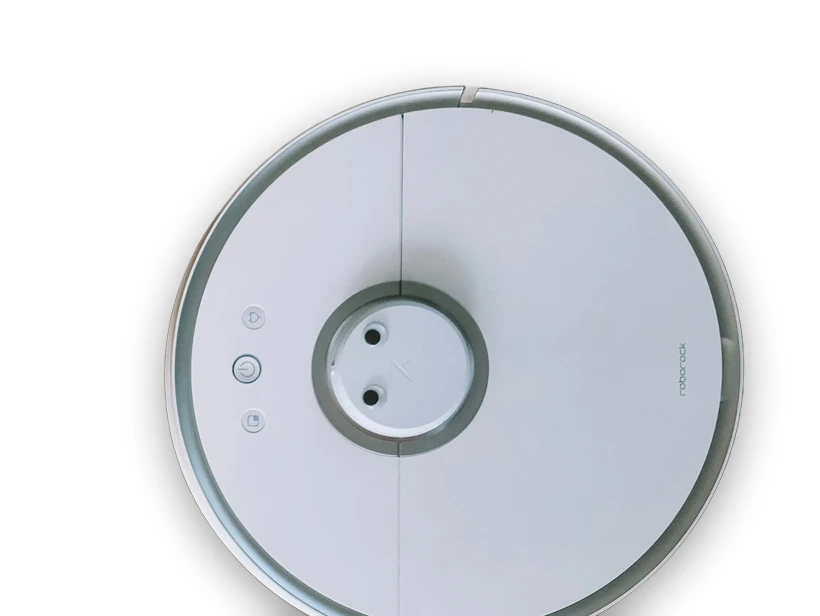
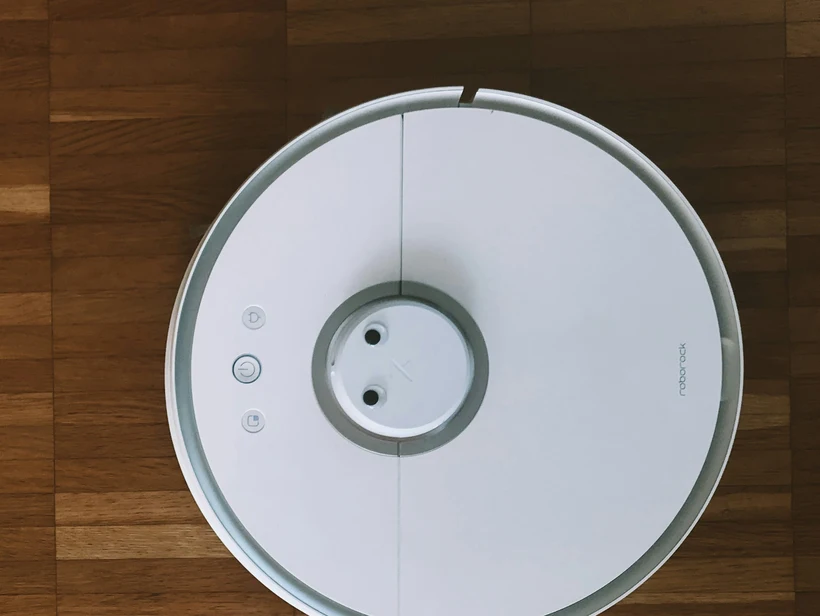
Listing-ready in one click
Pure white background, 2000×2000 px, product filling ~85% of the frame — exactly what Amazon's main-image guidelines ask for.
Clean 2000×2000 square photos that look consistent across your shop and stay sharp when buyers zoom.
Square 2048×2048 images that fill Shopify's product grid neatly with no awkward cropping.
Everything runs in your browser, so you can prep a whole catalogue privately — no uploads, no per-photo fees, no watermark.
Product shots that pass marketplace review
Pure white is a specific number, not a colour
Amazon's main-image rule is RGB 255,255,255 exactly. A backdrop that photographs as white almost never is — studio white typically lands somewhere around 240-250 per channel, which looks white next to a product and reads as light grey against the marketplace's own page background. The seam where your image ends becomes visible, and that is what a reviewer notices.
This is why compositing the cut-out onto a generated white canvas beats trying to shoot a perfect white background. The canvas is 255 by construction, and the only thing that has to be right is the edge of the cut-out.
The 85% frame rule that quietly fails listings
Amazon expects the product to occupy roughly 85% of the image frame. A cut-out dropped onto a large square with comfortable margins satisfies every colour requirement and still fails this one, because the product ends up filling perhaps half the frame.
Crop after removing the background, not before. Removing first gives you a known product boundary, so the crop can be computed from the subject's actual bounding box with a fixed margin, rather than guessed from the original photo where the product sits wherever the photographer put it.
Sizes worth exporting
Marketplaces differ less than their documentation suggests, and the practical answer is to export large and square.
- Amazon: 2000x2000 px enables the zoom viewer; 1600 px is the minimum for it.
- Etsy: 2000x2000 px, though it displays at a 4:3 crop, so keep the product centred.
- Shopify: 2048x2048 px is the theme-friendly default.
- Keep a transparent PNG master as well — resizing from a cut-out is free, re-cutting is not.
Shadows: keep, fake, or drop
Background removal takes the original contact shadow with it, and a product floating with no shadow looks pasted on. Marketplaces vary on whether that matters: Amazon permits a shadow on the main image but forbids props and text, while a plain cut-out is always safe.
For a consistent catalogue the reliable choice is no shadow at all on the primary image, and a shadow only on secondary lifestyle shots. Inconsistent fake shadows across a catalogue look worse than none, because the eye reads the grid as a set and picks out the odd one immediately.
Frequently asked questions
What size should an Amazon product photo be?
Is this free and private?
Can I use it for Etsy and Shopify too?
Can I process a whole catalogue?
More free, private tools
Export here and keep editing there — your image carries over, with no re-upload.
Related reading
- How to photograph products for Amazon, eBay and Etsy What marketplace image rules require, how to light a product with two lamps and a sheet of paper, and the shot list that converts — no studio needed. 6 min read
- How to photograph anything for a clean cut-out Background removal quality is decided when you take the photo. What separates edges cleanly, why hair and glass are hard, and how to shoot for it. 6 min read