
Crop an Image
Square, circle, rounded or any custom ratio — with rotate, flip, zoom and drag. No background removal needed. Export a transparent PNG or a JPG, 100% in your browser.
Drop a photo to crop
or click to browse — JPG, PNG or WEBP · pick several to crop a batch
Press Ctrl V to paste
Your images never leave your device
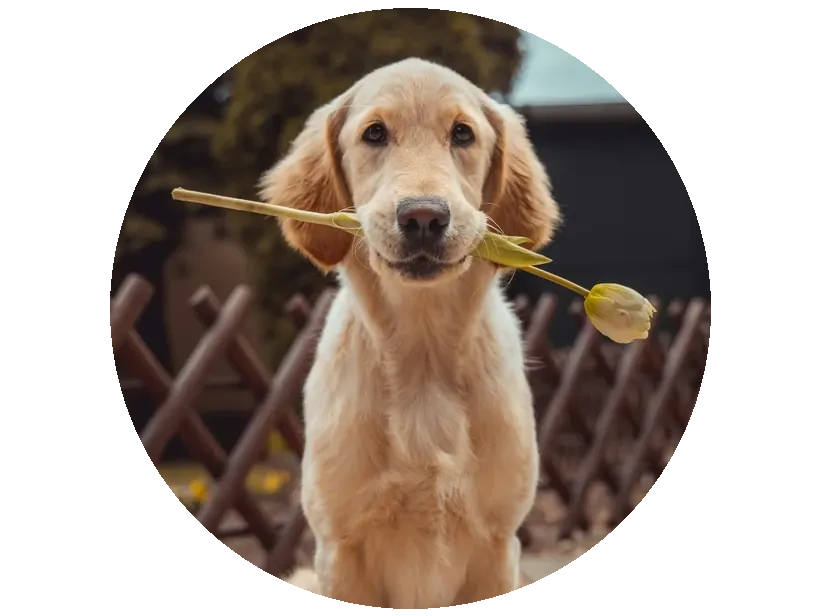

Drag the photo to reposition · scroll or use the slider to zoom
PNG keeps transparent corners on rounded/circle crops.
0 images queued
The other photos are cropped with the same shape, ratio and framing, then saved together as a ZIP.
Crop any image, right in your browser
Perfect avatars with transparent corners, saved as PNG.
1:1, 4:5, 16:9, 9:16 or your own custom width : height.
No upload and no background removal — the crop runs on your device.
Upload a photo, pick a shape and ratio, rotate or flip, then drag and zoom to frame it. Download a full-resolution crop as a transparent PNG or a JPG — nothing ever leaves your browser.
Cropping with intent
Cropping is free, enlarging is not
Cropping discards pixels, which costs you nothing in quality — the pixels that remain are the original measured data. What it costs is resolution, and that only matters if the result ends up smaller than where it is going.
A 4000-pixel photo cropped to a quarter of its area is still 2000 pixels wide, which is more than enough for almost any screen use. Crop confidently; the mistake is enlarging afterwards to compensate, which invents detail that was never captured.
The ratios worth knowing
Most crops are made to fit a destination, and there are only a handful that matter:
- 1:1 square — profile pictures, and the universally safe social format.
- 4:5 vertical — the tallest ratio most feeds display uncropped, so it occupies the most screen space.
- 9:16 — stories, reels and TikTok, full phone screen.
- 16:9 — YouTube, link previews and most horizontal video.
- 3:2 and 4:3 — the native ratios of most cameras and phones, and the right choice for print.
Circles are a crop plus transparency
A circular crop is not really a crop — an image file is always rectangular. What it produces is a square image whose corners are transparent, which is why the export format matters.
Save a circular crop as PNG or WebP and the corners stay transparent over any background. Save it as JPG and the corners become solid white or black, giving you a circle in a box. This catches people out constantly with avatars.
Composition, briefly
Two habits improve most crops. Leave space in the direction a subject faces or moves, so the frame does not feel cramped against their gaze. And avoid cropping a person at a joint — the wrist, elbow, knee or ankle — because it reads as an amputation rather than a frame edge; crop mid-limb instead.
For anything going into a circular avatar slot, compose inside the inscribed circle. Everything in the corners of your square will be discarded by the platform.
Frequently asked questions
Is this image cropper free and private?
How do I crop an image to a circle?
Can I crop to a specific aspect ratio?
Does cropping reduce the image resolution?
Can I rotate or flip while cropping?
What format should I export a cropped image as?
More free, private tools
Export here and keep editing there — your image carries over, with no re-upload.
Related reading
- How to make stickers that actually work in WhatsApp and Telegram The real technical rules for WhatsApp and Telegram stickers — 512x512, the 100 KB cap, why transparency matters, and how to make one from a photo. 6 min read
- Favicons: which sizes and files you actually need in 2026 What a favicon set really requires — ICO versus PNG versus SVG, Apple touch icons, maskable PWA icons, dark mode, and the HTML that ties them together. 6 min read