
Copy Text out of Any Image
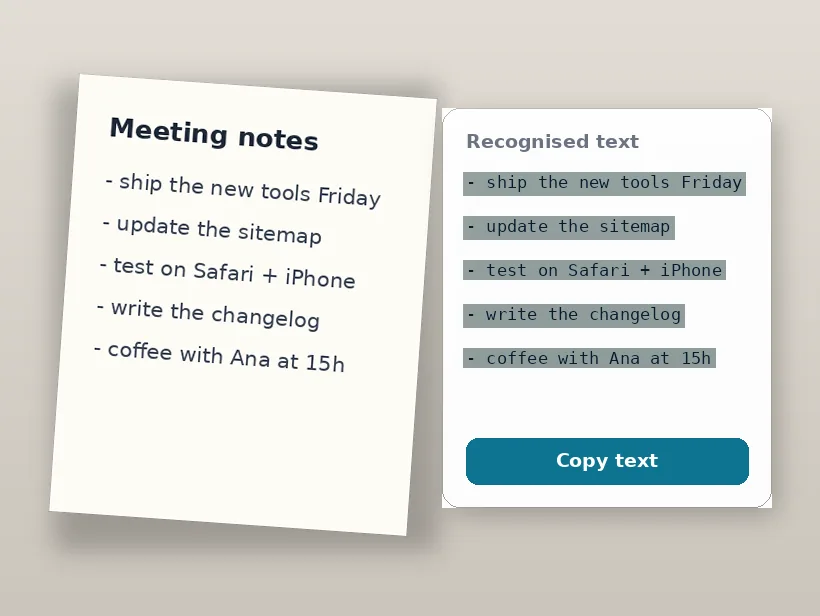
Screenshots, photos of documents, whiteboards — the OCR engine reads them on your device and hands you editable text. Free and private.
Drop an image with text
or click to browse, or paste a screenshot — JPG, PNG or WEBP
The OCR engine loads once and is cached — screenshots never leave your device
Press Ctrl V to paste
Your images never leave your device
Image to text in three steps
A screenshot, a photo of a page, a whiteboard — paste works too.
The Tesseract engine runs in your browser via WebAssembly — nothing is uploaded.
Fix anything in the editable box, then copy it or save it as a .txt file.
Looking for something more specific?
Getting a clean read out of an image
Why the same document reads twice differently
Recognition begins by deciding, pixel by pixel, what is ink and what is paper. That decision is made from local contrast, so anything that changes brightness across the page changes the answer — a shadow from your hand, a window on one side, the curve of a book's spine.
It is why a photo that looks perfectly legible to you can return nonsense from one half of the page and near-perfect text from the other. The half that failed was thresholded to solid black or solid white before any character was examined.
The resolution floor
Accuracy is governed by how many pixels tall a lowercase letter is, not by the megapixels of the image. Around 20-30 pixels is comfortable. Below about 10, the shapes that distinguish similar characters — the gap in an 'e', the join on an 'a' — simply are not present in the data, and no amount of processing recovers them.
The practical consequence is that zooming in before you capture beats every post-processing step. A screenshot of a zoomed page outperforms a full-page screenshot scaled up afterwards, because one has the pixels and the other is inventing them.
Choosing the language actually matters
The engine resolves ambiguous shapes against a model of the language you selected, so the wrong selection does not merely fail to help — it produces confident, wrong, real words. Portuguese text read as English comes back as English-looking nonsense, and accented characters tend to vanish because the model has no expectation of them.
If a document mixes languages, pick the dominant one rather than loading several. Multiple packs dilute each model and usually cost more accuracy than the mixed content does.
What to fix before recognising
Almost every improvement is upstream of the recognition step.
- Crop to the text block, so layout analysis has nothing else to interpret.
- Straighten the page — small skew is corrected automatically, large skew defeats line detection.
- Even out the lighting before raising contrast; contrast on an uneven image amplifies the problem.
- Do not sharpen heavily — the haloes it creates get read as ink and merge adjacent characters.
Frequently asked questions
How do I copy text out of an image?
Is my image uploaded for the text recognition?
Which languages does it recognise?
How accurate is it?
Is it free and unlimited?
More free, private tools
Export here and keep editing there — your image carries over, with no re-upload.