
Page 1
Rendered locally — nothing is uploaded
PDF to Images
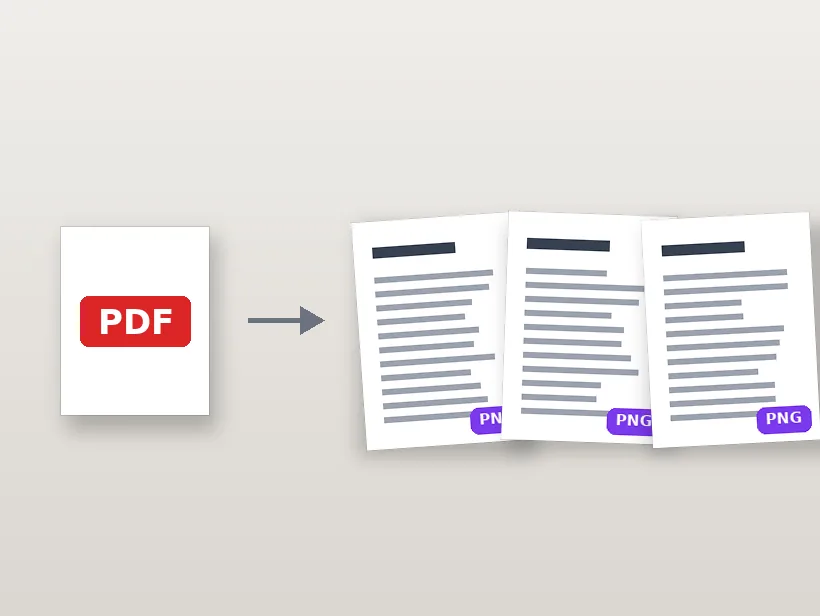
Every page of your PDF as a sharp PNG or JPG — rendered from the vector source, so text stays crisp. Free, private, no page limits.
Drop a PDF
or click to browse — contracts, scans, slides, forms
Your document is parsed on your device — it never leaves the browser
Format
Resolution
PDF to images in three steps
1.Drop a PDF
It's parsed right in your browser — private documents stay private.
2.Pick quality
2× is sharp for screens; 4× is print quality. Pages render from the vector source.
3.Download
Save the pages you need, or every page at once as a ZIP.
Turning PDF pages into usable images
Rendering versus extracting
There are two different operations people call 'PDF to image'. Extracting pulls out photographs that were embedded in the file, at whatever resolution they were embedded. Rendering draws the page — text, vectors, images and all — into a new bitmap at a size you choose.
This tool renders. That is what you want for anything containing text or diagrams, because the characters are drawn from their vector outlines at the output size and stay crisp. Extraction would give you only the photos and none of the layout.
Choosing a scale that is worth the megabytes
A PDF page has a nominal size in points, and rendering at 1x produces roughly 72 pixels per inch — fine for a thumbnail and too soft to read comfortably. 2x lands near 150 DPI, which is the sensible default for screen reading and the point where body text becomes properly legible.
4x approaches 300 DPI and is worth it only when the result will be printed or when you intend to run recognition over the output. The file size scales with the square of the factor, so a 4x render of a twenty-page document is a genuinely large download for output most people will view at a quarter of that size.
Why a scanned PDF behaves differently
A PDF produced by a scanner has no text in it at all — each page is one large photograph. Rendering such a page above the resolution of the original scan cannot add detail; it enlarges the scan and inflates the file.
You can usually tell which kind you have by trying to select text in a PDF viewer. If nothing highlights, the page is an image, the useful export is JPG rather than PNG, and the natural next step is text recognition rather than a higher scale factor.
PNG or JPG for the pages
Pages that are mostly text, tables or line diagrams should be PNG: the content is hard edges on flat white, which is exactly where lossless compression is small and where JPEG's ringing artefacts show up around every character.
Pages that are mostly photographs should be JPG, where PNG would be several times larger for no visible gain. A mixed document is usually better off as PNG, because damaged text is more noticeable than a slightly larger file.
Frequently asked questions
How do I turn a PDF into images?
Drop a PDF here and every page is rendered as a high-resolution image right in your browser. Download single pages as PNG or JPG, or grab all pages at once as a ZIP.
Is my PDF uploaded anywhere?
No. The PDF is parsed and rendered entirely on your device — important, since PDFs are often contracts, IDs, statements and other private documents.
What resolution are the exported images?
Pages render at twice their nominal size (roughly 150 DPI) by default, and you can raise it for print-quality output. Text stays sharp because the page is rendered from the vector source, not stretched from a preview.
Can I extract just one page?
Yes — every page gets its own download button, so you can save exactly the pages you need, or all of them as a ZIP.
Is it free, with no watermark?
Completely free, unlimited and watermark-free — no sign-up, no page limits, no trial.
More free, private tools
Export here and keep editing there — your image carries over, with no re-upload.