
photo.heic
Convert iPhone photos to JPG
AirDropped or copied photos that nothing can open? Convert the whole batch to JPG on your own device — free, private, no app to install.
Drop your HEIC photos
or click to browse — .heic and .heif, single or batch
The decoder loads once (~1 MB) and is cached — photos never leave your device
Output format
Press Ctrl V to paste
Your images never leave your device
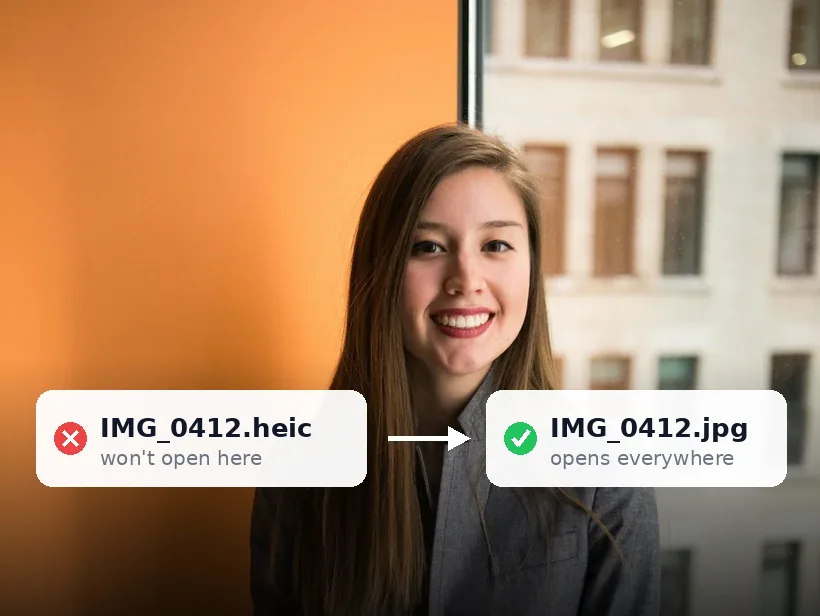
Since iOS 11, iPhones shoot in HEIC — half the file size of JPG, but Android phones, Windows PCs, older Macs and most upload forms can't read it. The fix is a one-time convert to JPG, and it doesn't require handing your photos to a website's server.
This converter decodes HEIC right in the browser and gives you back JPGs (or PNG / WEBP) at full resolution. Drop in one photo or a hundred; download them singly or as a ZIP.
Why use it
Made for the iPhone default
Reads the HEIC/HEIF files iOS produces, including AirDropped and USB-copied ones.
Batch + ZIP
Convert an entire trip's photos in one drop and grab a single ZIP.
Nothing uploaded
Decoding runs on your device — personal photos never leave it.
Tools that run on your device
All free, all private — nothing here uploads your images.
Related guides
Two iPhone settings that decide what you get
The capture format
Settings, then Camera, then Formats offers 'High Efficiency' and 'Most Compatible'. The first captures HEIC and roughly halves the storage each photo uses. The second captures JPEG and produces files that open anywhere.
The trade is storage and colour depth against compatibility. Nothing here changes photos you have already taken, which is why switching it rarely solves the problem someone actually has.
The transfer setting most people never see
At the bottom of Settings, then Photos, there is 'Transfer to Mac or PC' with two options. On 'Automatic' the phone converts HEIC to JPEG as it copies over a cable. On 'Keep Originals' it hands across the HEIC untouched.
A great many people have this on Keep Originals without knowing, which is why photos that display perfectly on the phone arrive on a laptop as files nothing will open. Changing it fixes future cable transfers and does nothing for files already copied.
Why the route off the phone matters
The same photo arrives in different formats depending on how it travelled. AirDrop to a Mac preserves HEIC. Most messaging apps convert to JPEG and heavily recompress. Email attachments are often converted. A cable transfer depends on the setting above.
So 'I already sent it to myself' is not a reliable conversion step — it frequently produces a much lower quality JPEG than converting deliberately would, because a chat app optimises for bandwidth rather than for your photo.
Converting a backlog
For photos already taken, converting is the only route, and the order of operations matters.
- Work from the HEIC originals rather than from anything a chat app returned.
- Convert the batch once — repeated JPEG encodes compound the loss.
- Choose PNG instead if the photo is going into further editing.
- Keep the originals until you have checked the output, then reclaim the space.
Frequently asked questions
How do I stop my iPhone shooting HEIC?
Settings → Camera → Formats → Most Compatible makes the camera shoot JPG directly. HEIC (High Efficiency) saves space though, so many people keep it and just convert the occasional photo that needs to be a JPG — which is what this tool is for.
Can I convert many photos at once?
Yes — drop in a whole batch and download the results as a ZIP. There's no file limit.
Is it really free and private?
Yes. Free, unlimited, watermark-free — and the conversion runs in your browser, so nothing is uploaded.
Try it — your images never leave your device
Free, unlimited, and completely private.
Convert iPhone photos now