
photo.heic
Open HEIC photos on Windows
No codec pack, no paid app from the Microsoft Store — drop the photos in your browser and download them as JPGs Windows opens natively.
Drop your HEIC photos
or click to browse — .heic and .heif, single or batch
The decoder loads once (~1 MB) and is cached — photos never leave your device
Output format
Press Ctrl V to paste
Your images never leave your device
iPhones save photos as HEIC by default, and a fresh Windows install can't open them — Photos asks you to buy a codec, and half the "free" converter sites push the photo through their servers. There is a simpler way: the conversion can run inside your own browser.
Drop the HEIC files on the converter below and download JPGs (or PNGs) that open in Photos, Paint, Office and every website. The decoding happens on your PC — the photos are never uploaded, which matters when the camera roll you're converting is personal.
Why use it
No codec, no install
Works in the browser you already have — nothing to buy from the Store, nothing to install.
Whole folders at once
Drop a batch of HEICs and download them together as a ZIP of JPGs.
Photos stay on your PC
The decoder runs locally — your camera roll never transits a stranger's server.
Tools that run on your device
All free, all private — nothing here uploads your images.
Related guides
Making Windows open iPhone photos
Why Windows needs an extension at all
HEIC images are compressed with HEVC, a codec covered by a large and fragmented set of patent pools. Bundling a decoder with the operating system means licensing from several of them, which is why Microsoft ships it as a separate component rather than including it.
The practical result is a file the operating system recognises by name and cannot display, producing an error that suggests corruption when the file is perfectly valid.
The extensions, and the confusing part
Two items are involved: HEIF Image Extensions, which handles the container, and HEVC Video Extensions, which handles the actual decoding. Photos need both, and the second has at various times been a paid listing while a device-manufacturer variant was free.
This is why instructions found online contradict each other — they were written at different points in that history, and availability has also varied by region and Windows version.
What installing them does not fix
The extensions teach Windows itself to display HEIC. They do not teach every application: older editors, many upload forms, and a great deal of third-party software still refuse the format, because each carries its own image loading code.
So installing them solves 'I want to look at my photos on this laptop' and does not solve 'I need to attach this to a form' or 'I need to send it to someone else'. Those need an actual conversion.
Converting instead of installing
Converting to JPEG sidesteps the codec question entirely and produces files that work in every application on every machine, including the ones you are sending them to.
- No system component to install, and no administrator rights required.
- The result opens on Windows, Android, older software and web forms alike.
- A browser-based converter carries its own decoder, so it works on a machine that cannot display HEIC at all.
- Convert from the originals, once, and keep them until you have checked the output.
Frequently asked questions
Why can't Windows open HEIC files?
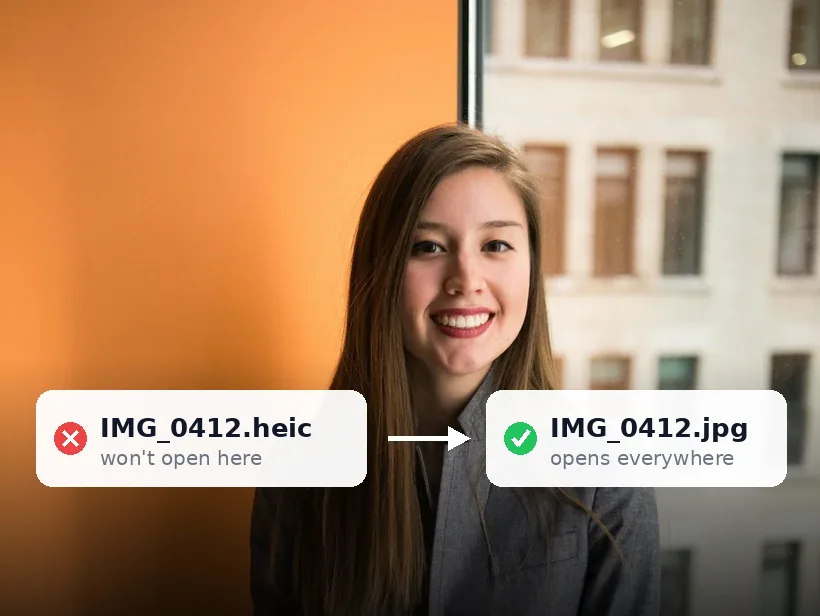
HEIC needs the HEVC codec, which Windows doesn't ship by default for licensing reasons — the Store sells it separately. Converting the photo to JPG sidesteps the codec entirely, and JPG opens everywhere.
Do I need to install anything?
No. The converter runs in your browser using WebAssembly. Open the page, drop the files, download the JPGs.
Are my photos uploaded to convert them?
No — decoding happens on your own machine. Nothing is sent to a server, stored or seen by anyone.
Will the converted photos lose quality?
They're decoded at full resolution and re-encoded at high quality; the difference isn't visible. Choose PNG if you want a mathematically lossless export.
Try it — your images never leave your device
Free, unlimited, and completely private.
Convert HEIC to JPG now