
image
Compress an image for email
Make photos small enough to email without hitting attachment limits — free, private, and processed on your device.
Drag & drop your images
or click to browse — multiple files welcome
Shrinks JPG, PNG & WEBP · Choose a quality or a target file size
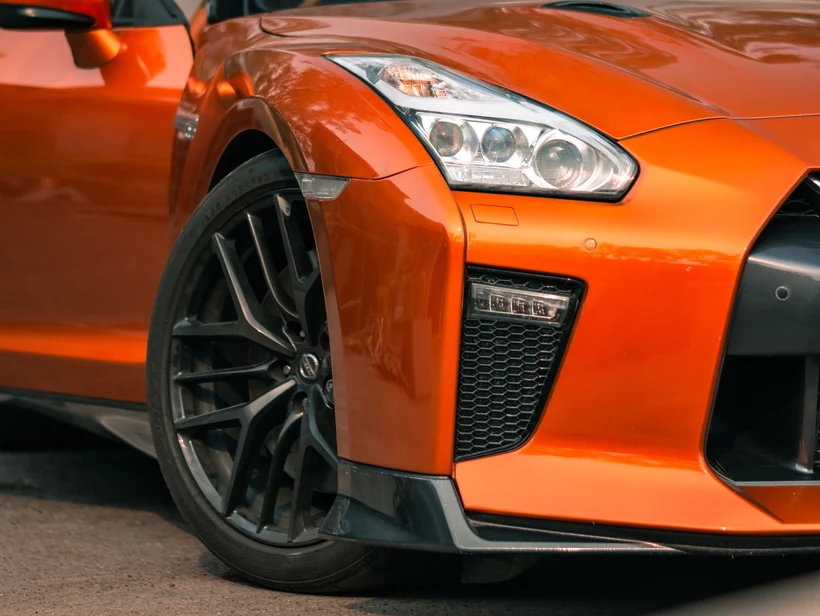 ~12× smaller
Original
3.1 MB
Compressed
268 KB
Output format
Press Ctrl V to paste
Your images never leave your device
Mode
KB or smaller
px longest side
Camera photos are often several megabytes each, which quickly bumps into email attachment limits or makes messages slow to send and receive. Set a small target size — say 1MB or 500KB — and this tool compresses your photos so they attach and send easily.
You can compress a batch at once and download them together, all without uploading a thing, which keeps personal photos private.
Why compress with ClearBG
Fits attachment limits
Target 1MB or 500KB so several photos fit comfortably in one email.
Send a batch
Compress a set of photos in one go and download them as a ZIP to attach.
Stays private
Compressed in your browser — your photos are never uploaded to a server.
Related free tools
Convert, resize or strip metadata — all on your device.
More ways to compress
Sending images by email
The limits are lower than the headline number
Most providers advertise around 25 MB per message — Gmail and Outlook both do — but that is the size of the encoded message, not of your files. Attachments are Base64-encoded in transit, which inflates them by about 33%.
So a 25 MB ceiling is really about 18 MB of actual attachments. And the recipient's server has its own limit, which may be lower: corporate mail systems commonly cap at 10 MB and some still at 5 MB. A message that leaves your outbox fine can bounce at the other end.
Nobody needs the full resolution
Photos sent by email are almost always viewed on a screen, often on a phone, and usually just looked at rather than edited or printed. A 4000-pixel original is serving no purpose in that journey.
Resizing to 1600 pixels on the longest side keeps an image that looks perfect on any screen and is typically a tenth of the size. For a batch of holiday photos, that is the difference between one message and five.
When to send full quality anyway
Sometimes the recipient does need the original — a designer who will edit it, a printer, a client who commissioned the shoot, anyone who will crop into it.
In that case do not compress; use a file-sharing link instead. Compressing an image someone is going to edit hands them a file with baked-in artefacts that every subsequent edit will amplify.
Inline images and metadata
Images pasted into the message body rather than attached are usually not compressed by the client, and are frequently the reason a message is unexpectedly large. They are also not always downloadable as files by the recipient, which is a common frustration.
One thing worth remembering: email attachments preserve metadata. Unlike social platforms, which strip it, a photo emailed straight from your phone carries its GPS coordinates and timestamp intact. If the picture was taken at home, strip that before sending it to someone you do not know.
Frequently asked questions
What size should an email image be?
Aim for under 1MB per image so a few fit within typical 20–25MB mailbox limits and send quickly. For lots of photos, target 500KB each.
Can I compress several photos for one email?
Yes. Drop in a batch, apply one target size to all of them, and download them together to attach.
Is it free and private?
Yes — free, no watermark, and nothing is uploaded; the photos are compressed on your device.
Compress your images — free and private
No upload, no watermark, no sign-up — everything runs in your browser.
Compress an image now